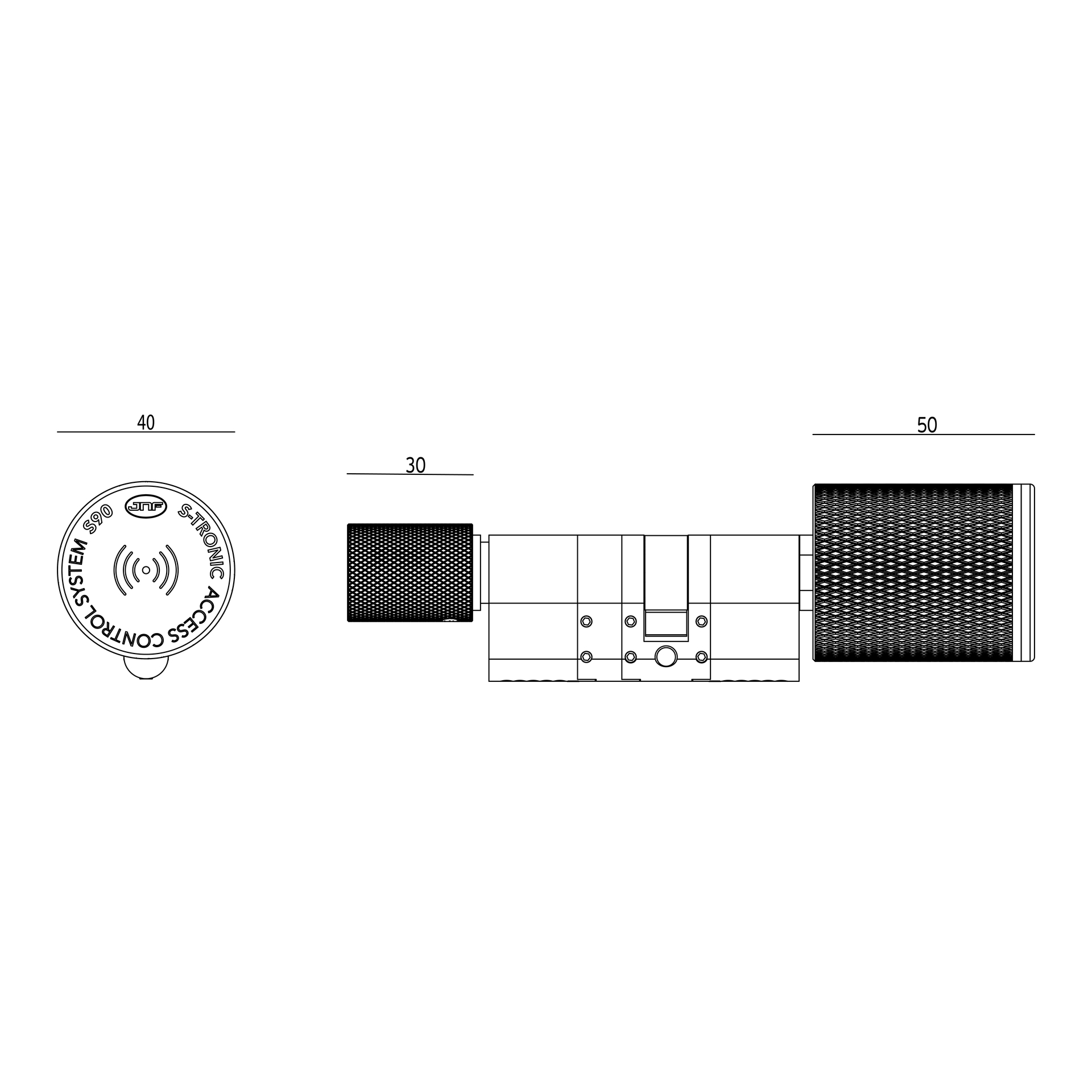
Reference · IN.19.S90.30.35.B1
Electronic cylinder
Electronic cylinder IN.19.S90.30.35.B1 Satin
The S90 S-TRONIC cylinder is the ideal cost-effective solution for a master key system with electronically controlled locking and release.
A high-precision modular construction allows a wide range of sizes and simultaneously responds quickly to any request. The system is completely suitable with VOYAGER JNF program. A maintenance-free, robust and easy to-use electronic cylinder.
The system is used intuitively by approaching the card to the center of the button, using a smartphone or an application remotely. The rotary thumb turns on the outside is engaged by using authorized identification media, thus enabling the lock to be locked or released.
Works with the apps
VoyagerVoyager Pro / CorporateWallet Voyager
Documents
PDFDatasheet
PDFCatalogue
IN.19.S90.30.35.B1
Help for this product
Add (pair) a lock, relay or sensor in the app
To pair a Voyager device: reset, add, choose the model and add. It works the same for locks, cylinders, locker locks, safes, relays and sensors.
5 stepsOpen and lock a door from your phone
Next to the door it opens by Bluetooth; away from it, with a gateway, it opens over the internet.
5 stepsThe door does not open from the phone
It is almost always Bluetooth, an app permission, the distance to the door or the key's validity.
5 stepsThe lock shows as offline
An offline lock has lost its link to the gateway: new keys wait and remote opening does not work.
5 stepsThe app cannot find the lock when adding it
The lock must have just been reset, and the phone next to it with Bluetooth on.
6 stepsDevice not available
The lock cannot be added: this is a case for support.
2 stepsDevice is already registered
This lock already belongs to an account.
3 stepsSpecifications
- Series
- S90 S-TRONIC
- Material
- Nylon, EN 1.4301 (AISI 304), Brass, Aluminium
- Measure
- 30×35mm
- Typology
- Electronic cylinder, Modular cylinder
- Finishing
- Satin
- Brand
- JNF Architectural Hardware
- Certifications
- EN 1670:2007 - Corrosion Resistance
Technical drawings