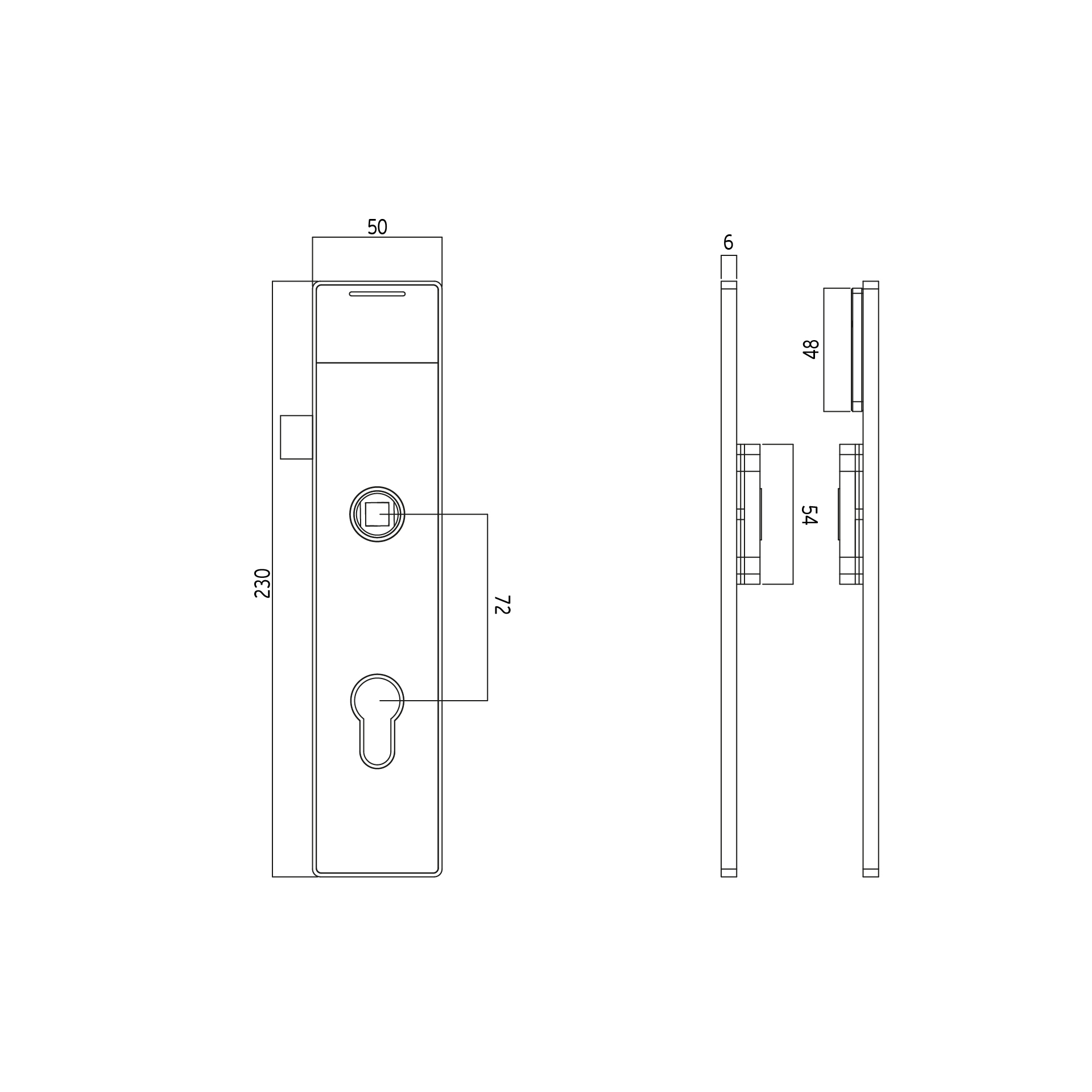
Reference · IN.27.350.D.N
Electronic lock
Electronic lock IN.27.350.D.N Satin
The luxury and sophistication access control system.
System that combines mechanics and electronics in a mortise lock, with only the handle and decorative plate with card reader visible. (handle not included)
Create the perfect outfit for your access control system. Luxurious and sophisticated, it can be customized for each project.
Works with the apps
VoyagerVoyager Pro / CorporateWallet Voyager
IN.27.350.D.N
Help for this product
Add (pair) a lock, relay or sensor in the app
To pair a Voyager device: reset, add, choose the model and add. It works the same for locks, cylinders, locker locks, safes, relays and sensors.
5 stepsOpen and lock a door from your phone
Next to the door it opens by Bluetooth; away from it, with a gateway, it opens over the internet.
5 stepsThe door does not open from the phone
It is almost always Bluetooth, an app permission, the distance to the door or the key's validity.
5 stepsThe lock shows as offline
An offline lock has lost its link to the gateway: new keys wait and remote opening does not work.
5 stepsThe app cannot find the lock when adding it
The lock must have just been reset, and the phone next to it with Bluetooth on.
6 stepsDevice not available
The lock cannot be added: this is a case for support.
2 stepsDevice is already registered
This lock already belongs to an account.
3 stepsSpecifications
- Series
- Dress Code
- Material
- EN 1.4301 (AISI 304), Natural Black Leather
- Range
- Leather Collection
- Version
- Right
- Finishing
- Satin
Technical drawings